
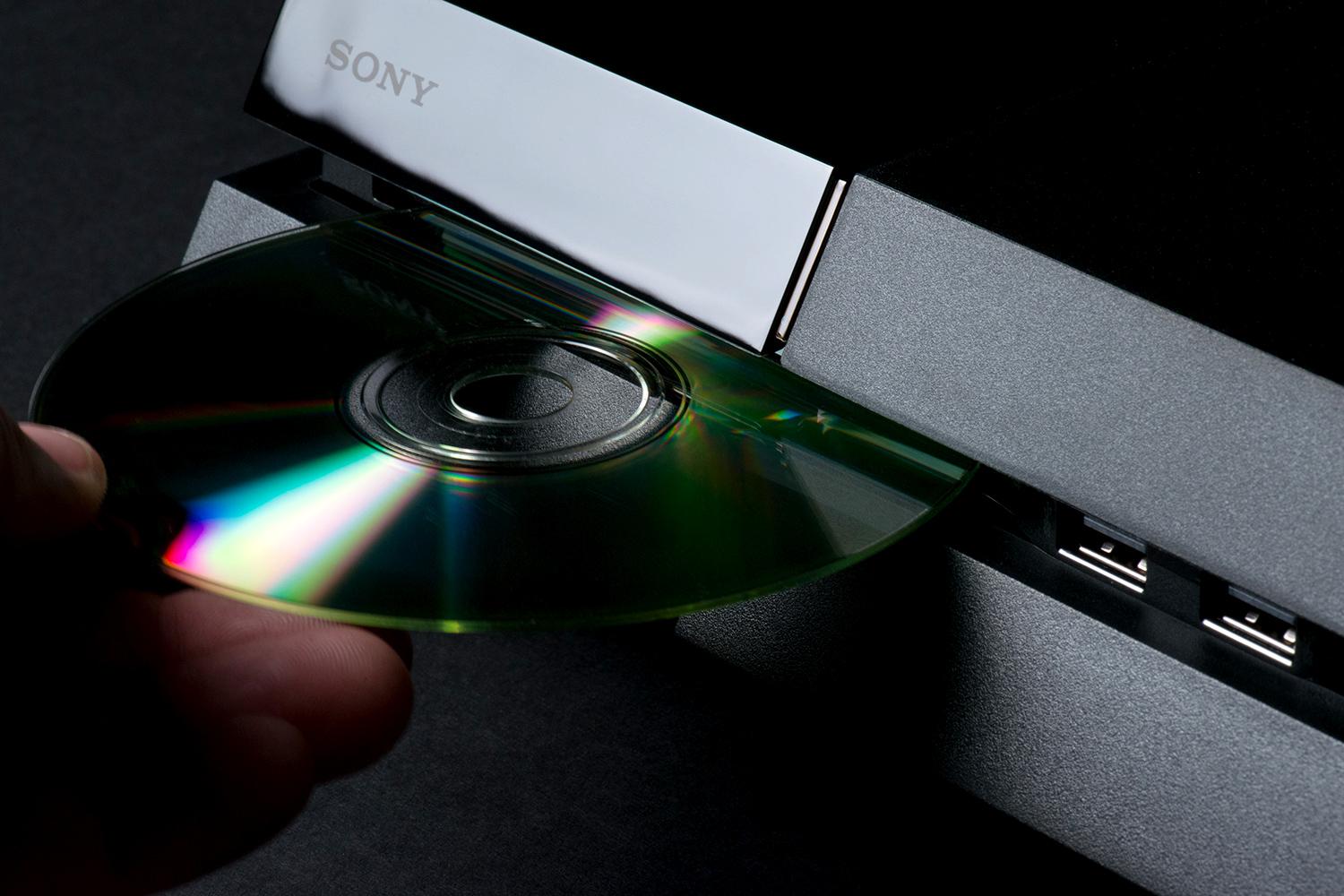
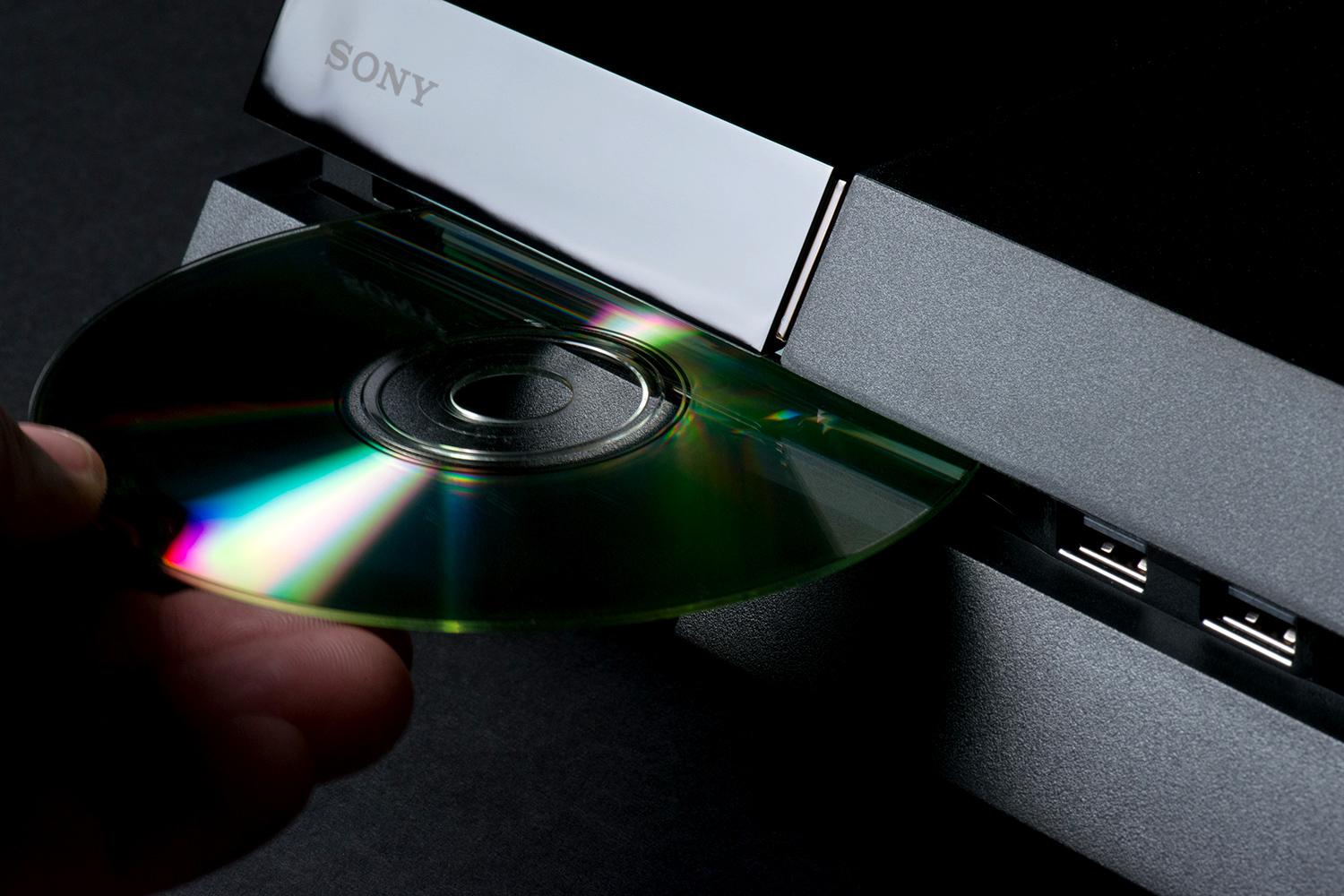
Do you find your PlayStation 4 randomly ejecting discs? Before calling Sony support or perhaps a priest know this is a common occurrence with the launch version of the PS4. The good news is there are several things you can try before sending your console in for repairs. Check out the quick and easy tips below to fix your phantom disc eject woes.
The Power Cycle
Akin to the British sitcom, The IT Crowd, Sony will give you the classic ‘Hello IT. Have you tried turning it off then on again’? This solution often works, though fails to address the underlying cause of the problem.
- Turn off your PS4
- Unplug all power and HDMI cables
- Hold down the power button for 30 seconds until you hear two beeps
- Wait five minutes, then plug everything in and turn on your PS4
Sony’s suggested fix may not be the most permanent, but it usually helps for awhile. Thankfully, the PlayStation fanbase have provided some alternate and more successful troubleshooting tips.
Check Your Discs
We all know dirty and scratched discs can be a problem. They are difficult to read and stutter, but can sometimes cause other problems with a disc drive. To properly clean a disc follow the steps below.
- Use a lint-free cleaning cloth—you can find them at computer stores
- Always wipe from the inside to the outside of the disc in straight lines
- Do Not rub in circles around the disc, you will cause more damage
It is also worth testing other discs to narrow down the problem. If multiple discs are affected the issue may be with your PS4.
A Firmware Update Could Help
Sometimes a simple update can solve some unusual problems. If your PlayStation 4 is connected to the Internet checking for updates is simple. With new update 4.50 you can also use a computer and USB drive to perform updates.
Using your PS4
- From the function screen, select [Settings] > [System Software Update]
- If there is an update it is downloaded to your PS4
- Look for the download complete notification
Using a Computer
This method requires a computer connected to the Internet and an external USB storage device. The USB drive must be 3.0 or later and be no smaller than 250 GB or larger than 8 TB.
- Create update folders using your computer — One named “PS4”, inside that another named “UPDATE”
- Download the system update from the official PlayStation site
- Using the file name “PS4UPDATE.PUP” save in the “UPDATE” folder you just created
- Connect the USB storage device to your PS4 console
- From the function screen, select [Settings] > [System Software Update]
- Follow the screens to complete the update
Tighten the manual eject screw
If the above solutions fail you can always try tightening the manual eject screw. The PS4 uses this screw to allow discs that are stuck in the drive to be ejected and it can come loose, confusing your console. This solution is a little more involved, but not difficult.
- Unplug everything from your PS4
- Slide off the HDD cover
- Tighten the small manual eject screw
- Put the cover back on
- Hook up and turn on as normal
As a Last Resort
This method is the least recommended, unless you feel confident performing minor surgery on your PS4. The underlying cause of the disc eject problem seems to be caused by heat. That’s right, due to a design oversight, there is a rubber foot on the base of the PlayStation 4 directly under the eject button. The heat created by the console causes the rubber to expand, pushing against the eject button and physically causing the problem.
- Locate rubber foot, just under eject button
- Use tweezers or needle-nose pliers to remove rubber
- You can leave it out and your PS4 will function fine
- Or you can trim the rubber and replace it
Warranty
Of course, if your console is still under warranty, the very best option is to contact Sony and file a repair ticket. After all, that is why a warranty is issued in the first place and it costs you nothing but time. You will have your PlayStation 4 fixed and returned with almost no effort on your part.
This post didnt have a specific author and was published by PS4 Home.