
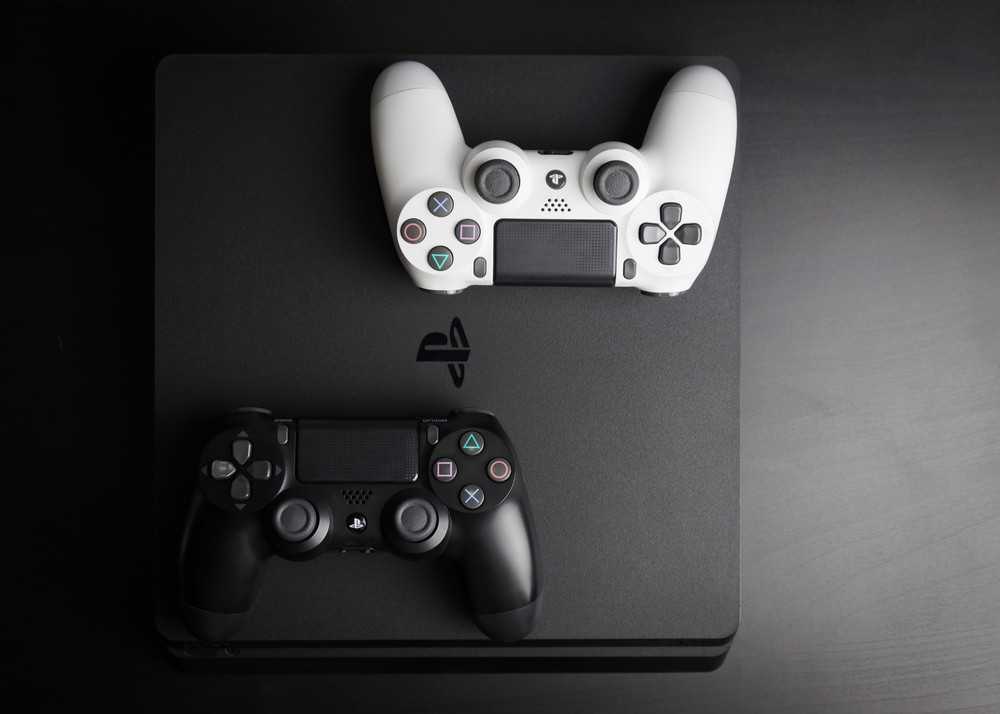
If you’ve been following the incredible yet troubled launch of the PS5, you’ll know that despite supply issues, it’s Sony’s most powerful machine yet. Although it’s not going to replace your trusty laptop or desktop PC just yet, the fact is that the PS5 can do an astonishing amount despite being ostensibly a dedicated gaming console. However, if you haven’t managed to get your hands on a PS5 yet, don’t fret; the PS4 is still capable of plenty despite being a last-generation machine. Here are 10 things you can still do with your PS4 if you didn’t manage to secure a PlayStation 5.
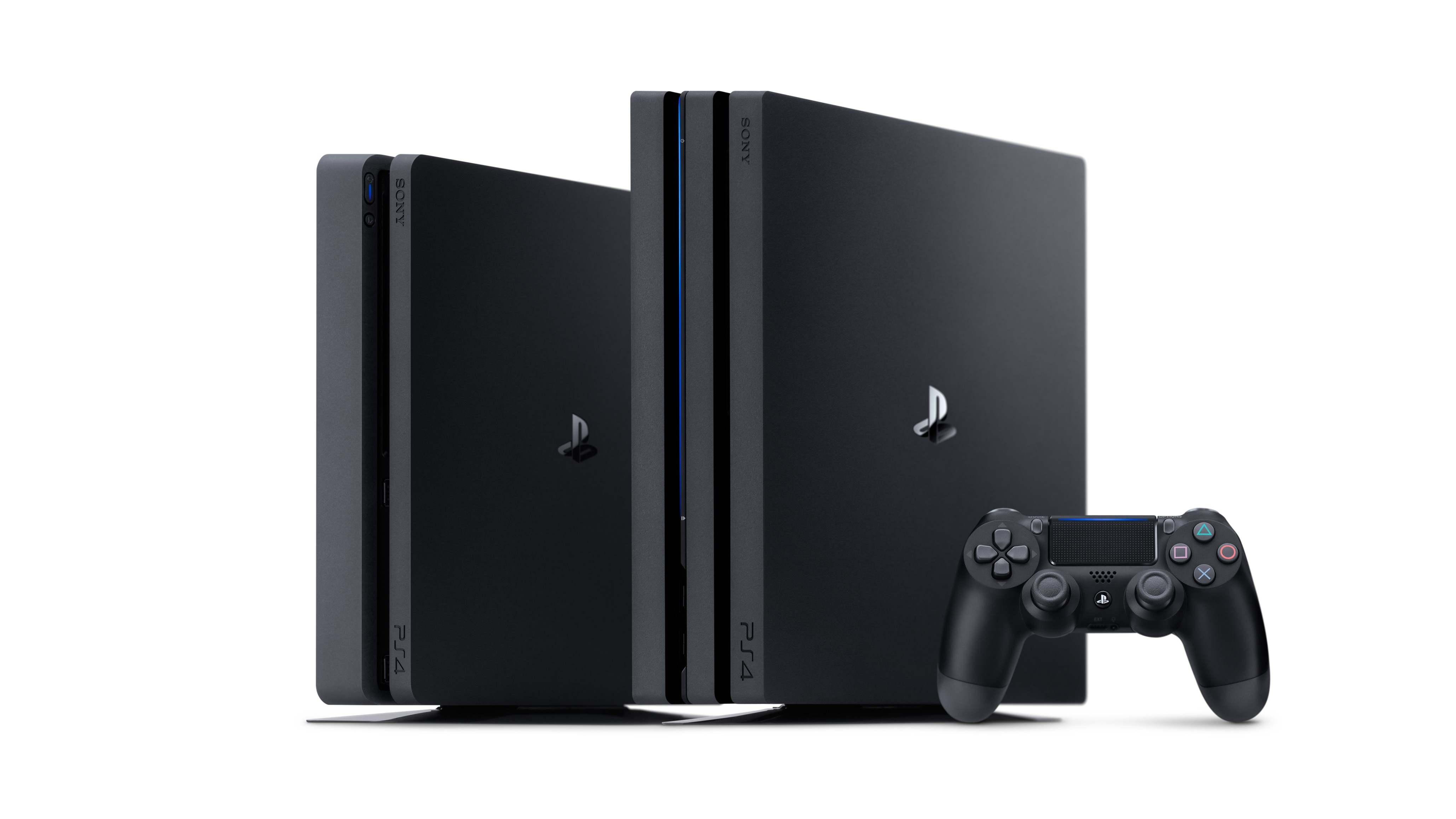
1. Play lots of the PS5 launch lineup
The only PlayStation 5 game that can genuinely only be played on a PS5 is Demon’s Souls (without counting Astro’s Playroom). Every other launch lineup title can either be enjoyed on a PS4 or on a PC. If you’re looking forward to checking out Bugsnax, Sackboy: A Big Adventure, or Spider-Man: Miles Morales, then you’ll be pleased to know all of these games are playable on the PS4. Don’t consign your old PlayStation to the wasteland of history yet; it’s still a great gaming machine.
2. Browse the internet
The PS4’s dedicated web browser is still fully operational and perfectly fine if you’re looking to browse the internet. You can watch videos, browse social media, or even play online games with platforms like Genesis Casino through your PS4’s beautiful web browser interface. In fact, the PlayStation 5 doesn’t actually feature a web browser, so this is something you can do on the PS4 that Sony’s newest machine isn’t capable of. Who said the PS4 was obsolete?
3. Listen to music
A while back, Sony struck up a partnership with Spotify that would put a native app for the streaming service on the PS4 platform. That partnership is still going strong today, and you can still download and check out the Spotify app on your PlayStation 4. It’s well worth trying, because you can play your favourite songs and playlists through your TV’s sound system. Of course, the PS5 also has Spotify integration, but you’re not missing out if you still have a PS4.
4. Watch Blu-rays
Much has been made of the PS5’s all-singing all-dancing hardware setup, but one thing it shares in common with its predecessor is the Blu-ray drive. While the PS4 – and, for that matter, the PS4 Pro – lacks a 4K Blu-ray drive, you can still watch your favourite Blu-ray content on your PS4. It might not quite have the crisp sharpness of watching on a PS5, but it’s perfectly serviceable for the vast majority of the population, so don’t worry about compromising on image quality.
5. Stream PlayStation Now content
You can, of course, access Sony’s PlayStation Now streaming service on PS5. If you’ve got a PS4 and you’re looking to stream content, then worry not – the service is still fully supported on PS4, and you can still use it to stream native PS4 games, as well as PS3 and PS2 games. This is especially useful if you have a strong internet connection and you don’t have a lot of space to spare in your home; after all, why buy physical copies of games when you can stream them?
6. Play with Boost Mode
Sure, you might not have the full horsepower of a PlayStation 5 sitting underneath your TV, but that doesn’t mean there’s no way to supercharge your games. If you’re lucky enough to own a PS4 Pro, you can switch on Boost Mode to add a little stability and heft to PS4 games. It won’t completely and utterly transform your gaming experience – it certainly won’t let you play in 4K at 60fps if the base PS4 doesn’t already do that – but it will stabilise frame rates and smooth some edges.
7. Play online
Chances are that with the PS5 shortage raging on and no end in sight, your friends might not have managed to secure machines just the same as you. If that’s the case, then there’s still a healthy online scene for the PS4. When you do get PlayStation Plus – if you don’t already have it, of course – you’ll be able to carry over your membership to PS5 if you do eventually procure a console, too. With games at no additional cost and the chance to play online with friends, it’s a no-brainer.
8. Check out streaming services
Have you got a 4K display? Looking to stream some of the best content around? Look no further than your PS4. It may have less power under the hood than its newer, shinier cousin, but the PlayStation 4 is still no slouch when it comes to streaming your favourite content. Netflix, Amazon Prime, and BBC iPlayer all have native apps you can check out on the PS4, as do a range of other streaming services. If it’s just movies or TV you’re about, you don’t need to worry about upgrading just yet.
9. Play PSVR
Some PlayStation 5 games are only compatible with PSVR because they’re using the backward compatible PS4 version of that game as a base. With that in mind, if your PSVR set is the centrepiece of your gaming setup, your PS4 will still more than adequately scratch that itch. VR classics like Doom VFR and Resident Evil 7: Biohazard can still be fully enjoyed with a last-gen machine, and there’s never been a better time to buy a PSVR set in preparation for the next generation.
10. Play couch multiplayer
Of course, the PlayStation 5 has the capability to play couch multiplayer with friends. However, with the machine proving pretty expensive (and its controllers being no slouches in this department either), it may be more cost-effective simply to play a game with your housemates or partners on your old PS4. There are lots of excellent multiplayer options available without having to connect to the internet, so be sure to check some of them out if you’re after a sociable time with your gaming console.
This post didnt have a specific author and was published by PS4 Home.