
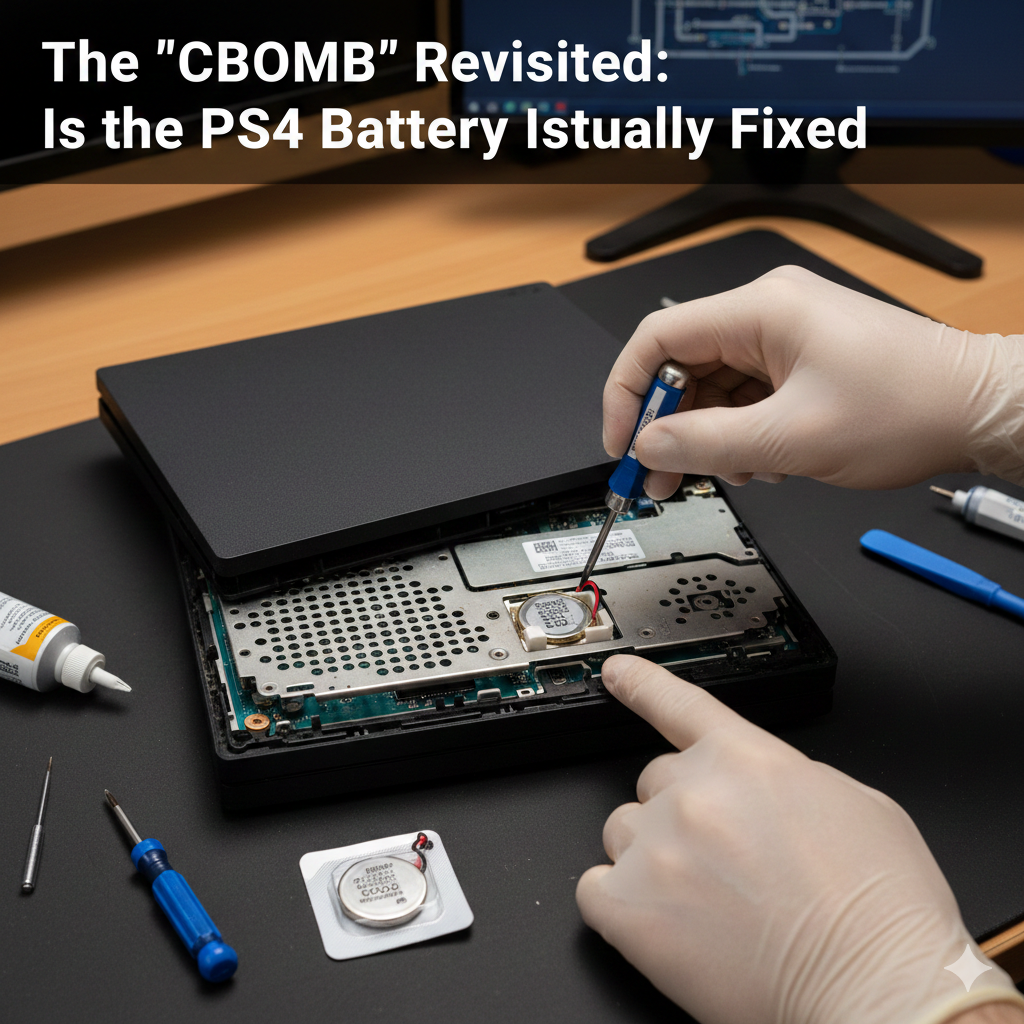
In the early 2020s, a panic known as the “CBOMB” swept through the PlayStation community. The discovery that a dead CMOS battery could theoretically “brick” your ability to play any games—digital or physical—sent shockwaves through the preservationist community.
As we move into 2026, the question remains: Is your PS4 still a ticking time bomb?
The Verdict: Fixed (With a Few Caveats)
The short answer is yes, Sony effectively defused the CBOMB.
In late 2021, Sony released Firmware 9.00, which silently removed the hardware check that prevented games from launching without a synchronized internal clock. This was a monumental win for game preservation. However, “fixed” doesn’t mean “ignore it.” If your console has started acting up or sounding like a jet engine, it’s often a sign of aging hardware; learning how to deep-clean your PS4 and replace thermal paste can help prevent these hardware failures before they start.
What actually happens now if your battery dies:
- Game Playback: Both digital and physical games will launch and play normally, even if your console is offline and the battery is dead.
- The Trophy Bug: Trophies will still pop, but because the console has no “trusted” time source, the timestamp will be blank.
- The “Amnesia” Prompt: Every time you boot the console from a cold start, you will be prompted to manually set the date and time.
Why the “Bomb” Existed in the First Place
Sony used an internal “Kernel Clock” to prevent users from cheating the Trophy system. If the battery died and the console couldn’t reach the server, the DRM blocked the game from starting.
While the battery fix handles the software side, many users are taking this opportunity to perform a full hardware refresh. For example, upgrading your PS4 to an SSD in 2026 is the single best way to modernize the experience while you have the console open for a battery swap.
Expert Maintenance: Should You Replace It?
If your PS4 is an original “Fat” model from 2013-2015, your battery is likely nearing the end of its 10–15 year lifespan. Even though your games won’t be locked out, a dead CMOS battery is a nuisance that prevents proper trophy syncing.
The Replacement Profile
| Component | Requirement |
| Battery Type | CR2032 Lithium 3V Coin Cell |
| Essential Tool | TR9 Torx Security Screwdriver |
| Risk Level | Low (Does not affect HDD data) |
Pro-Tip for 2026 Users
If you decide to replace the battery, you must connect to the PlayStation Network at least once afterward to “re-prime” the Kernel Clock. This is especially important for those interested in the current state of PS4 jailbreaking, as a reset clock can occasionally interfere with specific homebrew payloads and exploit stability.
Summary for your Library
- Physical Games: 100% Safe (on Firmware 9.00+).
- Digital Games: 100% Safe (on Firmware 9.00+).
- PS Plus Titles: Still require a periodic internet check-in to verify your subscription status.
This post didnt have a specific author and was published by PS4 Home.